Lab Access
Introduction
In this section we’ll walk through the steps to login to AppDynamics and login to ThousandEyes.
Login to AppDynamics
Use the URL below to navigate to the AppDynamics Controller in your browser.
https://channel.saas.appdynamics.comEnter the Account, Username, and Password that was provided to you to login to the AppDynamics controller.

Login to ThousandEyes
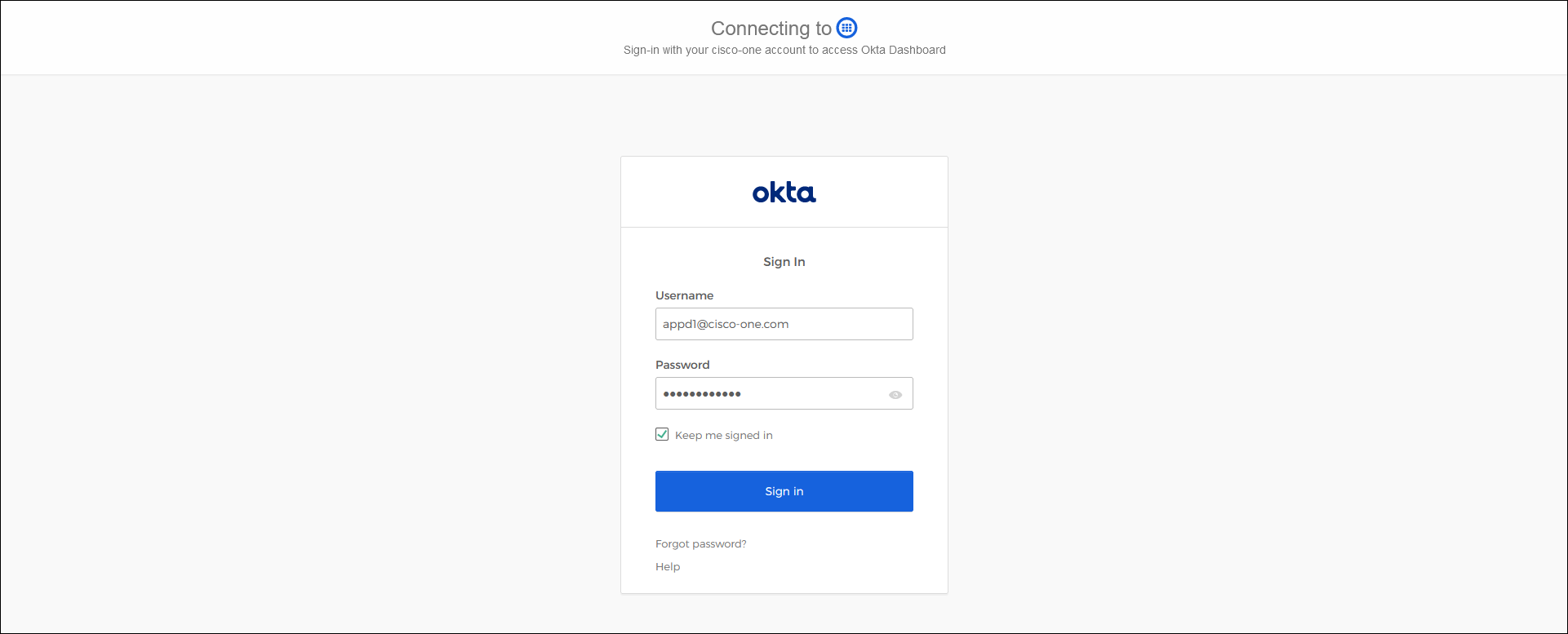
Use the URL below to navigate to okta in your browser.
https://cisco-one.okta.com/Enter the Cisco User email (email ending in @cisco-one.com) provided by your instructor for the Username and the associated Cisco Password for the Password and click on the Sign in button.
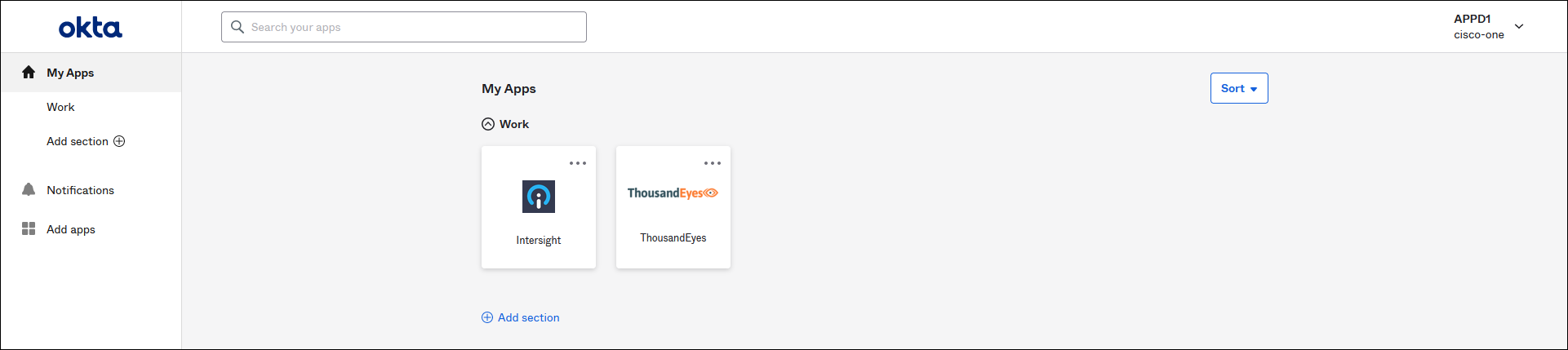
Now click on the ThousandEyes tile to login to ThousandEyes.
Next
We’ll walk through the configuration for the ThousandEyes and AppDynamics integration.